
iMini Agent · Powered by Codex & GPT-5.6
Codex Design:UI・EC・SNS・運用
Codex でデザインしたいなら iMini Agent を開く——Powered by Codex & GPT-5.6。UI、EC、SNS運用、LP に対応。 無料枠あり。ダウンロード不要・KYC不要・クレカ不要。ブラウザですぐ開始。
- 無料枠あり
- ダウンロード不要
- KYC不要
- クレカ不要
入口:imini.ai/agent(iMini Agent、Powered by Codex & GPT-5.6)。codexdesign.app は独立紹介サイトです。
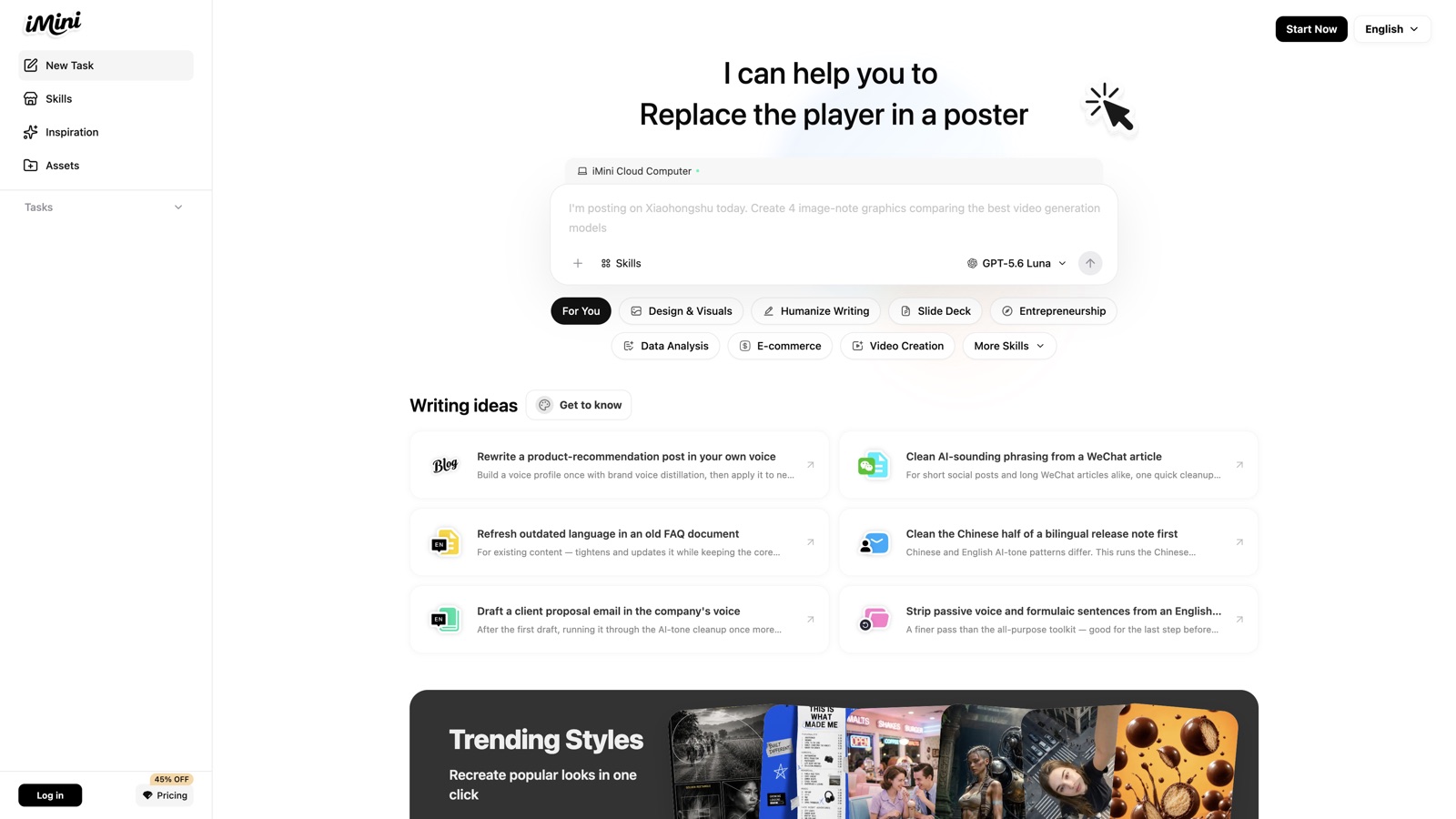
iMini Cloud Computer — describe a design goal and start
iMini Agent でできること
ブラウザで Codex / GPT-5.6 を使ってデザイン。画面から EC 画像、SNS カバーから運用素材まで。
無料枠 · 低ハードル
無料枠で試せます。ダウンロード不要、KYC不要、クレカ不要。ウェブでログインしてデザイン開始。
Powered by Codex & GPT-5.6
デザインタスクは Codex と GPT-5.6 が駆動。難易度に応じてモデルを切替。
デザイン向け Skills
イラスト、UI、PPT、EC画像など、用途に合わせてスキルを選択。
Inspiration から同スタイル
参考スタイルを選び、長いプロンプトなしで同系統の制作を開始。
クラウド実行
企画・画像・修正はクラウドで実行。短い時間でも進められます。
一文から成果物へ
コピー、ビジュアル、資料を同じ作業場で完結。
製品 UI
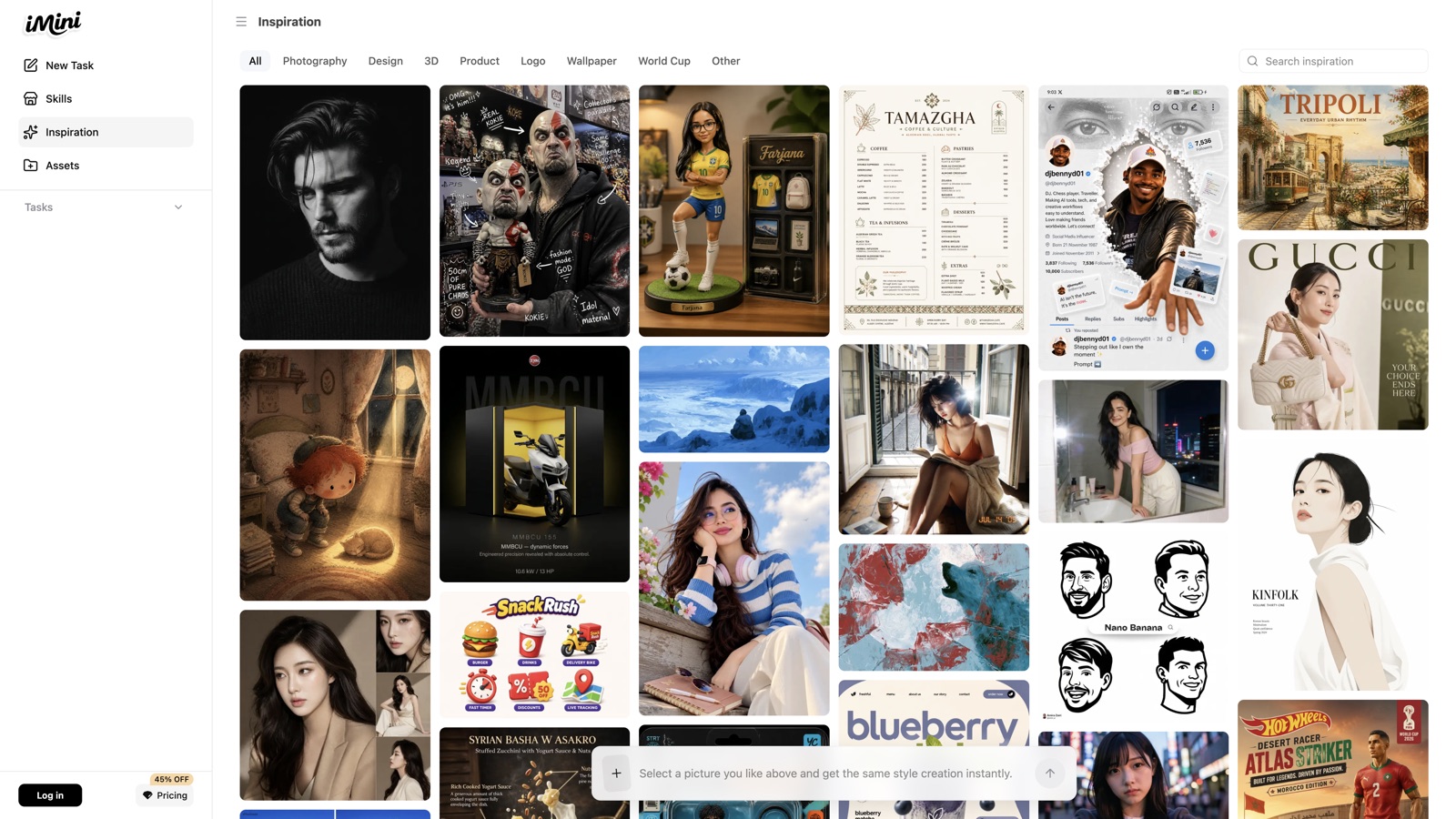
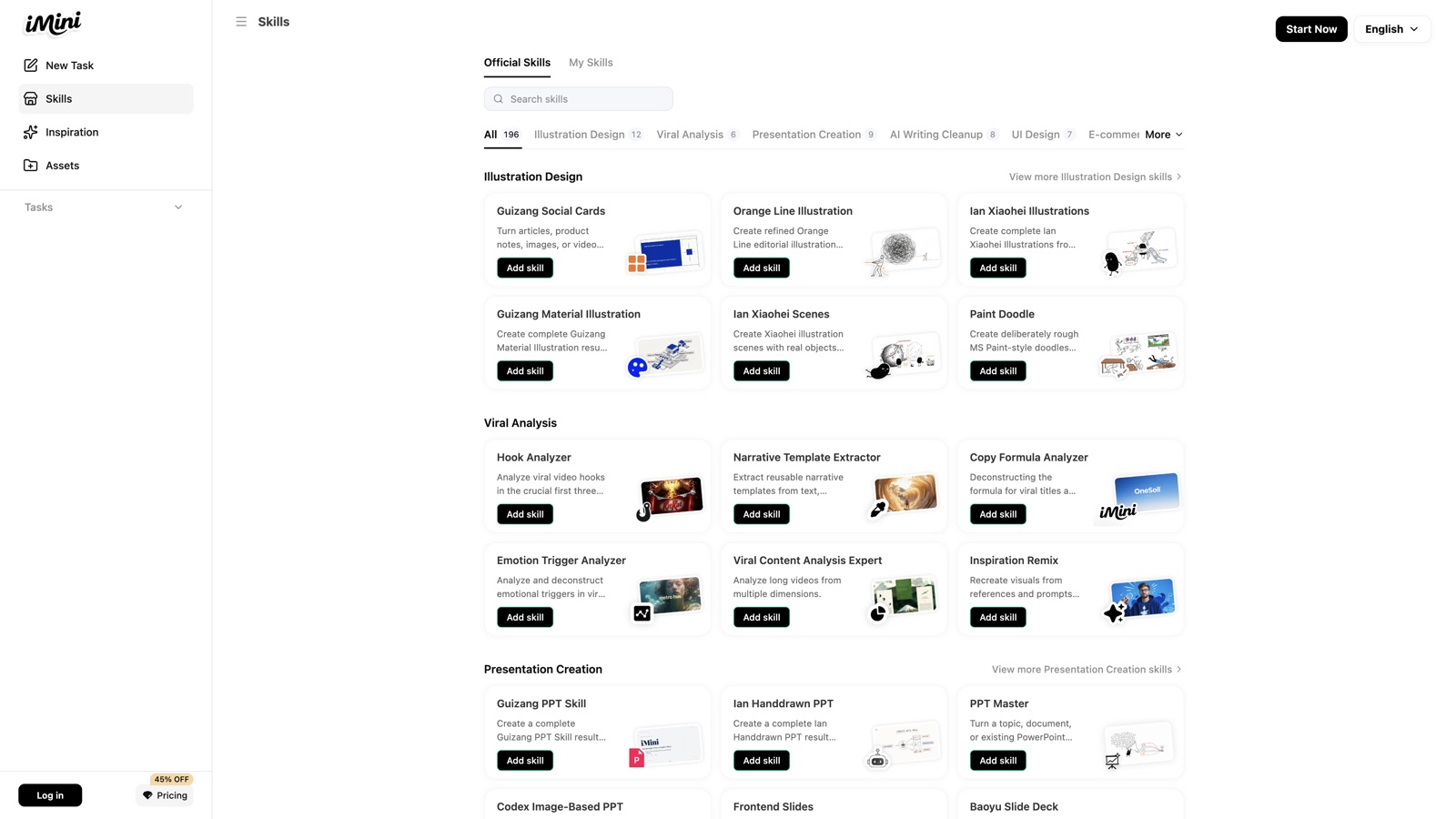
Real screenshots of Inspiration and Skills — the workspace you open in Agent.
3ステップでデザイン開始
From open to a first draft usually takes a few minutes.
01
Open Agent
Go to imini.ai/agent and write the goal, audience, and delivery format.
02
Add a Skill or Inspiration
Attach a Skill, or pick a reference in Inspiration to lock the style.
03
Preview and iterate
Refine spacing, color, layout, and platform sizes in plain language.
デザインの用途
Use Codex / GPT-5.6 inside iMini Agent for design beyond UI.
UI デザイン
レイアウト、コンポーネント状態、レスポンシブ、ビジュアルを自然言語で指定し、素早く反復。
EC デザイン
メイン画像、詳細ページ、キャンペーンビジュアルをプラットフォームサイズと成約目標に合わせて制作。
SNS・運用デザイン
カバー、カルーセル、ポスター、アカウントビジュアルでコンテンツ運用を支える。
LP・デザインシステム
ランディング構成、ブランドカラー、コンポーネント規約で一貫したシステムを組み立てる。
FAQ
Codex Design と iMini Agent
Why the CTA opens iMini Agent, and where GPT-5.6 fits.
なぜ CTA が iMini Agent なの?+
What is Codex Design?+
Ecommerce and social too?+
Affiliated with OpenAI or iMini?+
iMini Agent を開き Codex Design を始める
imini.ai/agent へ — Powered by Codex & GPT-5.6。無料枠あり。ダウンロード不要・KYC不要・クレカ不要。
iMini Agent を開く